🎨 themer takes a set of colors and outputs themes for your apps (editors, terminals, wallpapers, and more).
npm install themer

themer 
themer takes a set of colors and generates editor themes, terminal themes, themes for other apps, and desktop wallpapers.
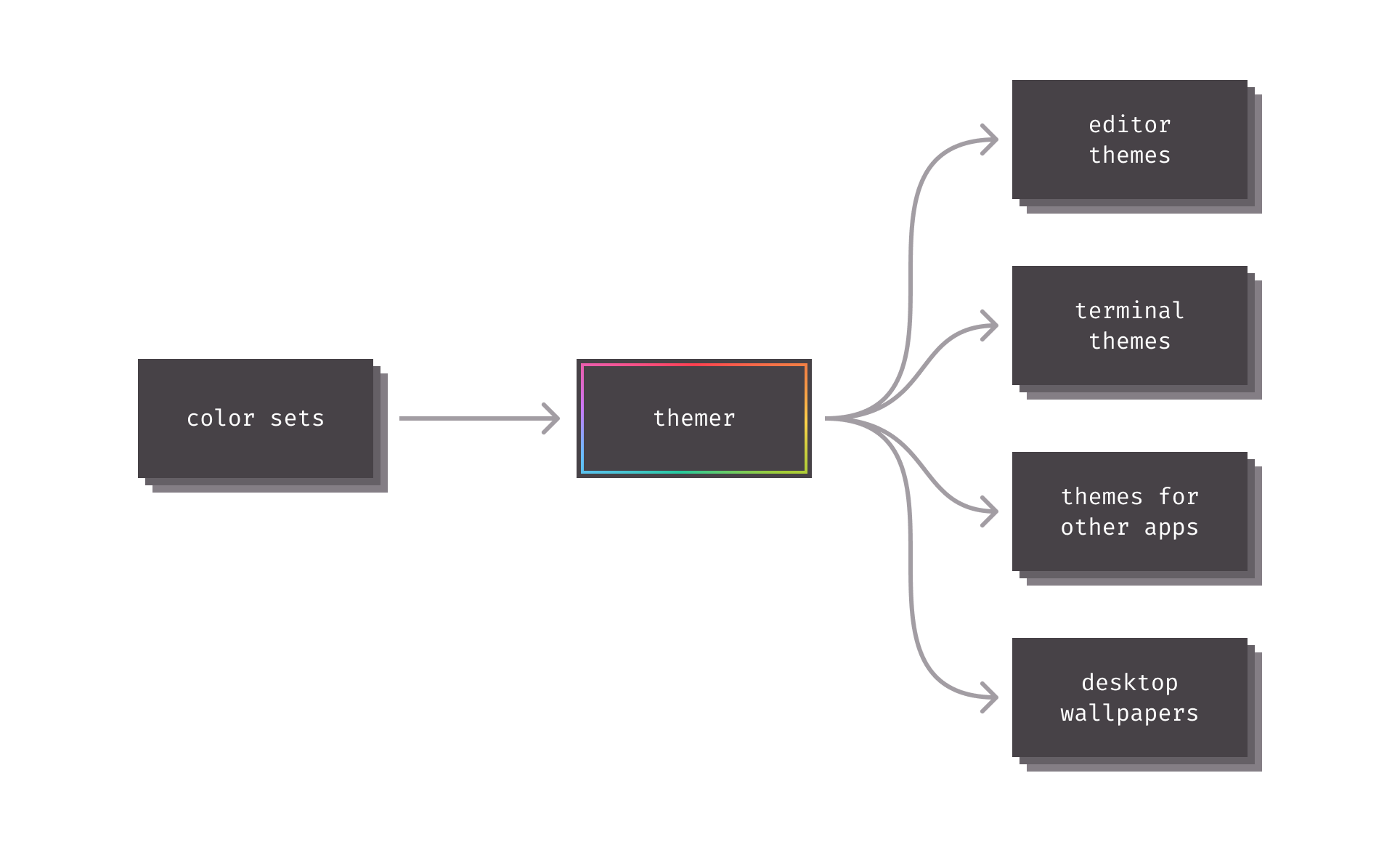
Table of contents
- Getting started
- CLI documentation
- API documentation
- Themer color sets
- Themer templates
- Prior art
- Contributing
Getting started
There are a few different ways to level up your development setup with themer:
- Web-based graphical user interface.
themerhas an official progressive web app located at themer.dev. - Command-line interface.
themercan be used to generate themes on the CLI, see the CLI docs below. - Application programming interface.
themerexposes a JavaScript API (complete with TypeScript type definitions) for programmatic use; see the API docs below.
Feature comparison:
| Web UI | CLI/API | |
|---|---|---|
| Instant preview | ✅ | ❌ |
| Supported color format | Any CSS format | Hex only |
| Wallpaper output format | PNG + SVG | SVG only |
| Raytraced 3D wallpaper | ✅ | ❌ |
| Seamless dotfiles integration | ❌ | ✅ |
CLI documentation
As of V5, themer is distributed as a single TypeScript/JavaScript package containing all built-in color sets and templates for ease of use—but still supports the use of custom color sets or templates.
Installation
Install themer from npm with your JavaScript package manager of choice.
npm install themer
themer can also be installed globally. Or if you prefer not to install it at all, it can be used with npx.
Usage
themer [options]
Pass themer one or more color sets, as many templates as you wish, as many wallpaper resolutions as you wish, and an output directory.
| Option | Description | Default value | Available options |
|---|---|---|---|
-c, --color-set <built-in color set name or file path...> |
the color set(s) to render | default |
color set name, or path to JS file containing a custom color set, or a file path to a base16 yaml file |
-t, --template <built-in template name or file path...> |
the theme template(s) to render | * (all built-in templates) |
template name, or path to JS file containing a custom template |
-s, --size <wallpaper resolution...> |
resolution to render in pixels, in the format [width]x[height] | 2880x1800 |
any |
-o, --output <path> |
the output directory | themer-output |
any |
--color-set, --template, and --size may be specified multiple times.
Your generated theme files, as well as a README on how to install them, will be written to the output directory.
Example workflow: dotfiles integration
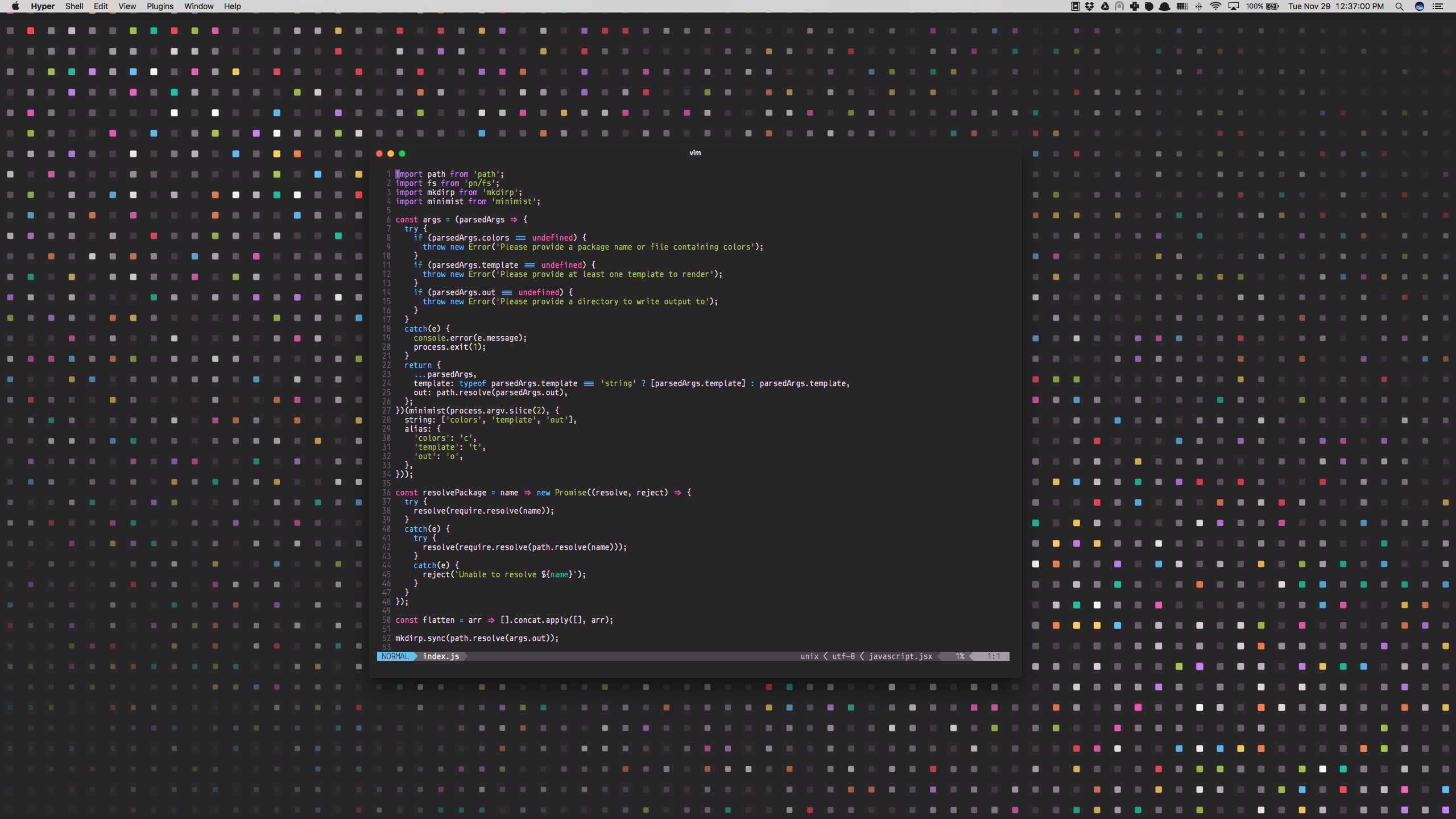
Say you wanted to generate a vim theme and desktop background using themer's default color set. First, install themer:
cd my-dotfiles
npm install themer
Then edit your package.json:
{
  "scripts": {
    "build": "themer -c default -t vim -t vim-lightline -t hyper -t wallpaper-block-wave -o gen"
  }
}
Then run your new script:
npm run build
Now check the gen/ folder for your generated files. Here's the result:
Example workflow: npx
This command will generate a Vim theme and the Block Wave wallpaper, using themer's default color set, and put them in a folder called output:
npx themer -c default -t vim -t wallpaper-block-wave -o output
Example workflow: using base16 schemes with Themer
In place of a themer color set, you can also provide themer with any base16 scheme YAML file.
themer --color-set path/to/base16-scheme.yml ...
Refer to the base16 repository for a list of base16 schemes.
API documentation
themer ships with a JavaScript API (with TypeScript type definitions) for use in programmatically generating themes.
Installation
npm install themer
Interface
themer's default export is an async generator function that takes three arguments:
- An array of
ColorSetobjects, or string identifiers ofthemer's built-in color sets - An array of
Templateobjects, or string identifiers ofthemer's built-in templates - A
RenderOptionsobject used to specify the resolution of the outputted wallpaper images - (Optional) an
OutputFileTransformasync generator function that transforms the files generated by the provided templates. This function runs between each template'srenderandrenderInstructionsfunctions.
The objects yielded by the generator are OutputFiles or the type yielded by OutputFileTransform.
import themer from "themer";
import myColors from "./my-colors";
import myTemplate from "./my-template";

// Example usage: generate Vim themes, 1440x900 wallpapers, and custom files
// from themer's "Night Sky" color set and a custom color set.
const files = themer(
  ["night-sky", myColors],
  ["vim", "wallpaper-block-wave", myTemplate],
  { wallpaperSizes: [{ width: 1440, height: 900 }] }
);

for await (const file of files) {
  // ...
}
Create custom ColorSets
import type { ColorSet } from "themer";

const myColorSet: ColorSet = {
  // Color sets should provide a human-readable name.
  name: "My Color Set",

  // Color sets can define a dark variant, a light variant, or both.
  // Each variant provides two or eight shades and eight accent colors in hex format.
  variants: {
    // In a dark variant, shade0 should be the darkest and shade7 should be
    // the lightest.
    dark: {
      shade0: "#333333",
      // Note: you can define shades 1 through 6 yourself, or you can omit
      // them; if omitted, they will be calculated automatically by
      // interpolating between shade0 and shade7.
      shade7: "#eeeeee",
      accent0: "#ff4050",
      accent1: "#f28144",
      accent2: "#ffd24a",
      accent3: "#a4cc35",
      accent4: "#26c99e",
      accent5: "#66bfff",
      accent6: "#cc78fa",
      accent7: "#f553bf",
    },

    // In a light variant, shade7 should be the darkest and shade0 should be
    // the lightest.
    light: {
      shade0: "#eeeeee",
      shade7: "#333333",
      accent0: "#f03e4d",
      accent1: "#f37735",
      accent2: "#eeba21",
      accent3: "#97bd2d",
      accent4: "#1fc598",
      accent5: "#53a6e1",
      accent6: "#bf65f0",
      accent7: "#ee4eb8",
    },
  },
};

export default myColorSet;
Pro Tip: you can use themer's Web UI to more easily select your colors, then click the "Download" button to generate a colors.js file in the correct format. With the Web UI, you can also input any valid CSS color format (keyword, HSL, RGB, etc.) and it will automatically convert the color to hex for you.
Color mappings
To help you choose colors for your own color set, this is approximately how most themer templates will utilize your colors:
| Color Key | Typical Usage | Conventional Color* |
|---|---|---|
accent0 |
error, VCS deletion | Red |
accent1 |
syntax | Orange |
accent2 |
warning, VCS modification | Yellow |
accent3 |
success, VCS addition | Green |
accent4 |
syntax | Cyan |
accent5 |
syntax | Blue |
accent6 |
syntax, caret/cursor | |
accent7 |
syntax, special | Magenta |
shade0 |
background color | |
shade1 |
UI | |
shade2 |
UI, text selection | |
shade3 |
UI, code comments | |
shade4 |
UI | |
shade5 |
UI | |
shade6 |
foreground text | |
shade7 |
foreground text |
*Conventional color is suggested for consistency with ANSI color names in terminal themes, but is not a hard requirement.
See themer's Web UI for a more visual representation of the color mappings.
Create custom Templates
import type { Template } from "themer";

const template: Template = {
  // Templates should provide a human-readable name.
  name: "My Template",

  // The render async generator function takes a color set and the render
  // options, and yields one or more output files. The color set is fully
  // expanded (e.g., if the color set did not include shades 1 through 6
  // when originally authored, those intermediary shades will have already
  // been calculated and included).
  render: async function* (colorSet, options) {
    // The yielded output file has two properties: a string path (relative)
    // and a Buffer of the file's content.
    yield {
      path: "my-file.txt",
      content: Buffer.from("Hello, world!", "utf8"),
    };
  },

  // The renderInstructions function takes an array of paths generated from
  // the render function and should return a Markdown string, which will be
  // included in the generated README.md file.
  renderInstructions: (paths) =>
    `Copy the files (${paths.join(" and ")}) to your home directory.`,
};

export default template;
Themer color sets
Web-only color sets
(Only available on themer.dev.)
| Name | Dark Preview | Light Preview |
|---|---|---|
| Concert | 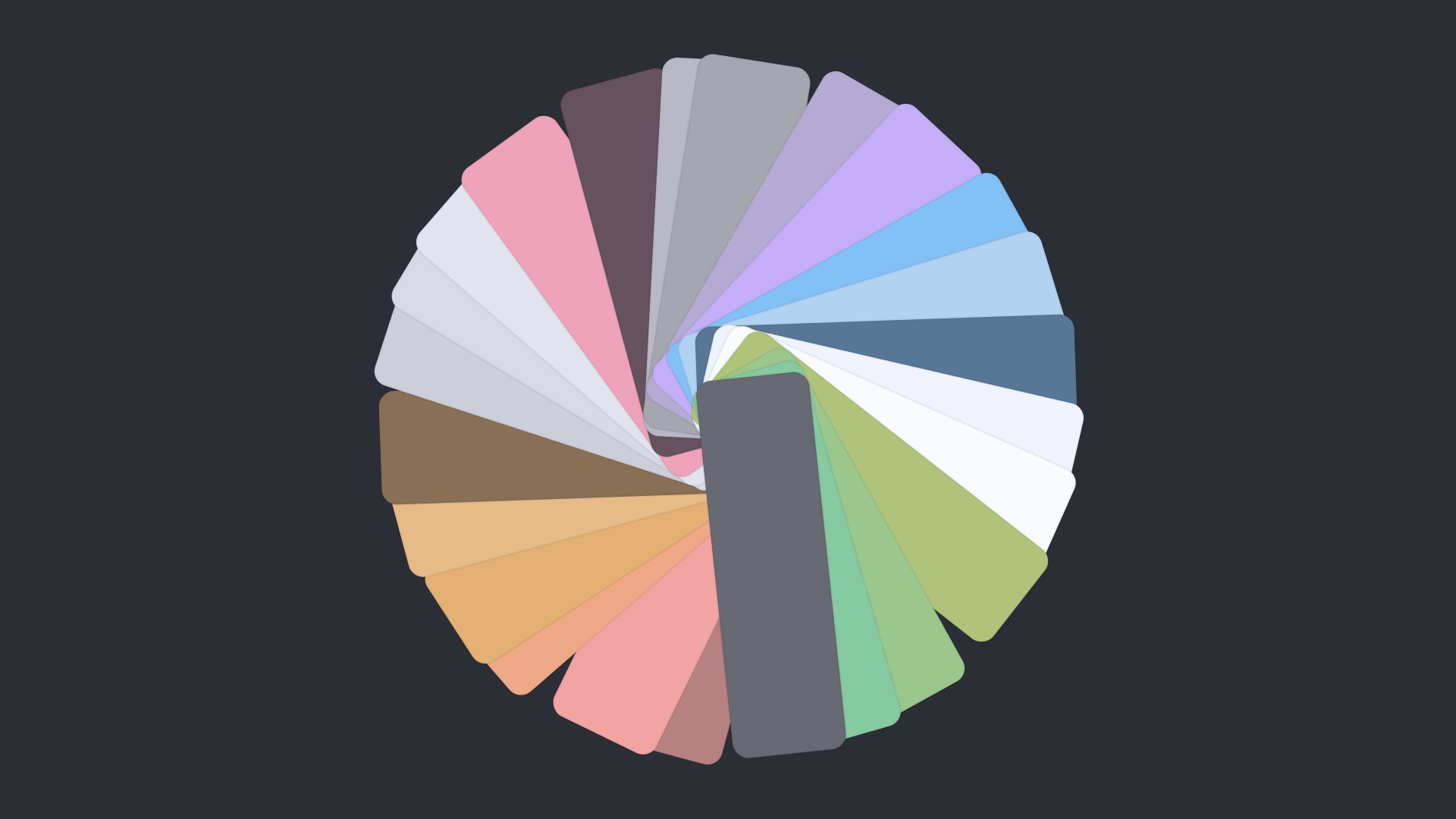 |
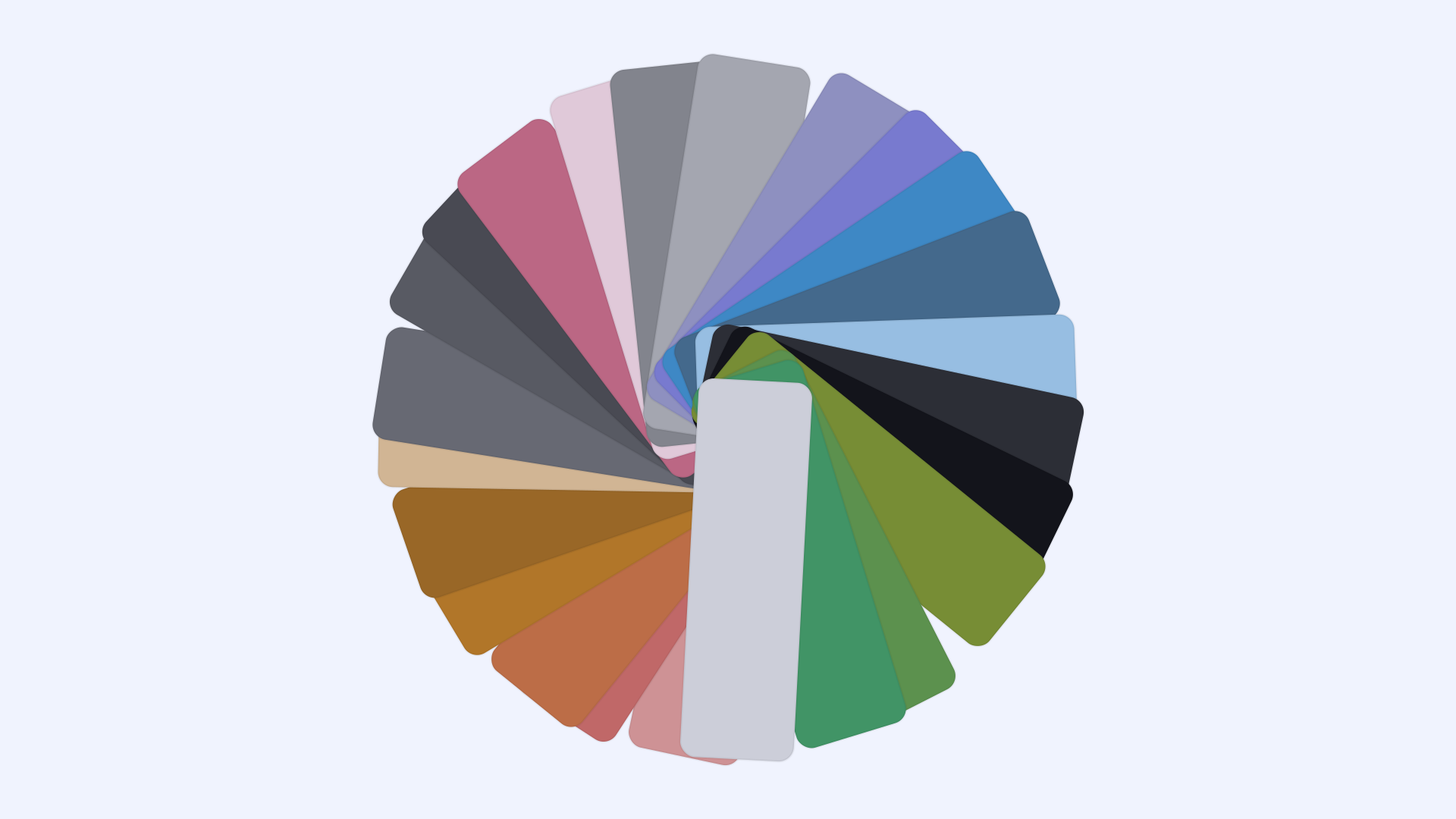 |
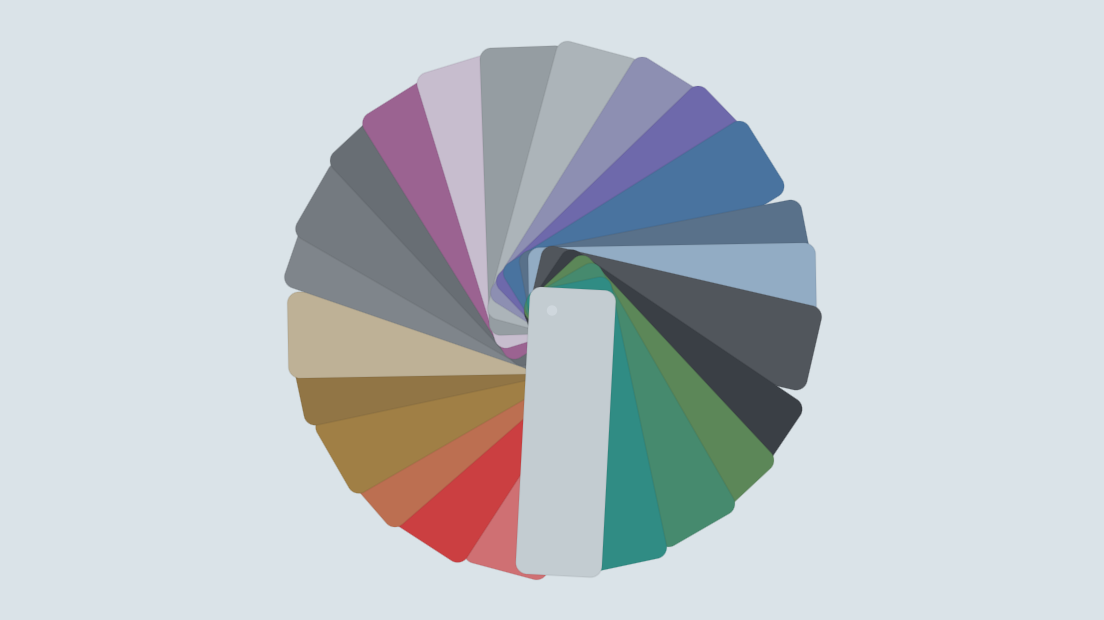
| Victor Mono | 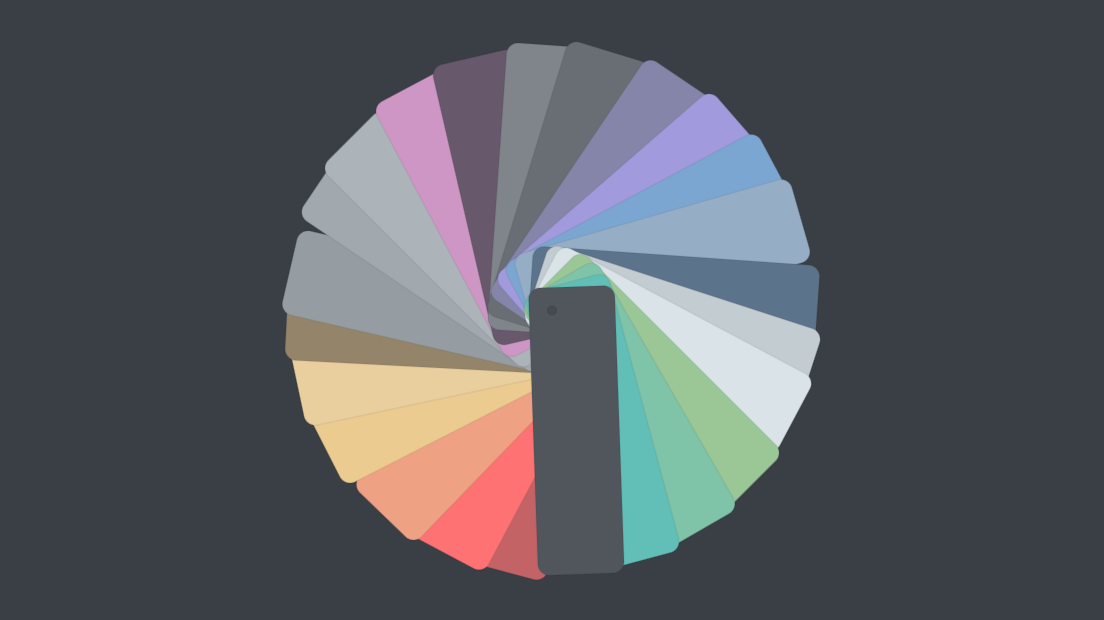 |
 |
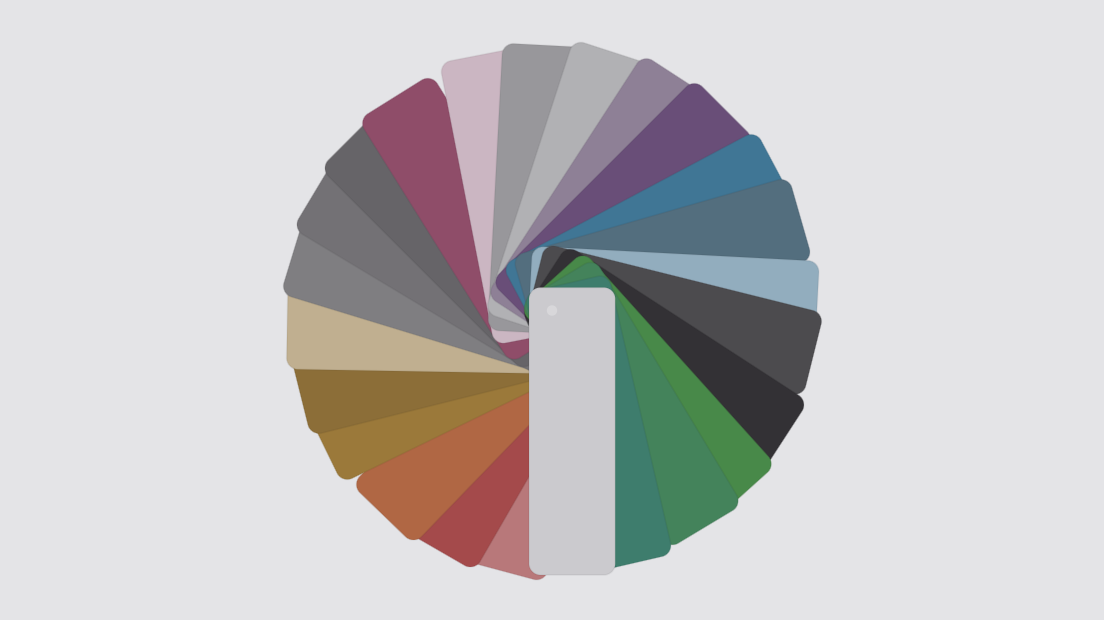
| Future Pro | 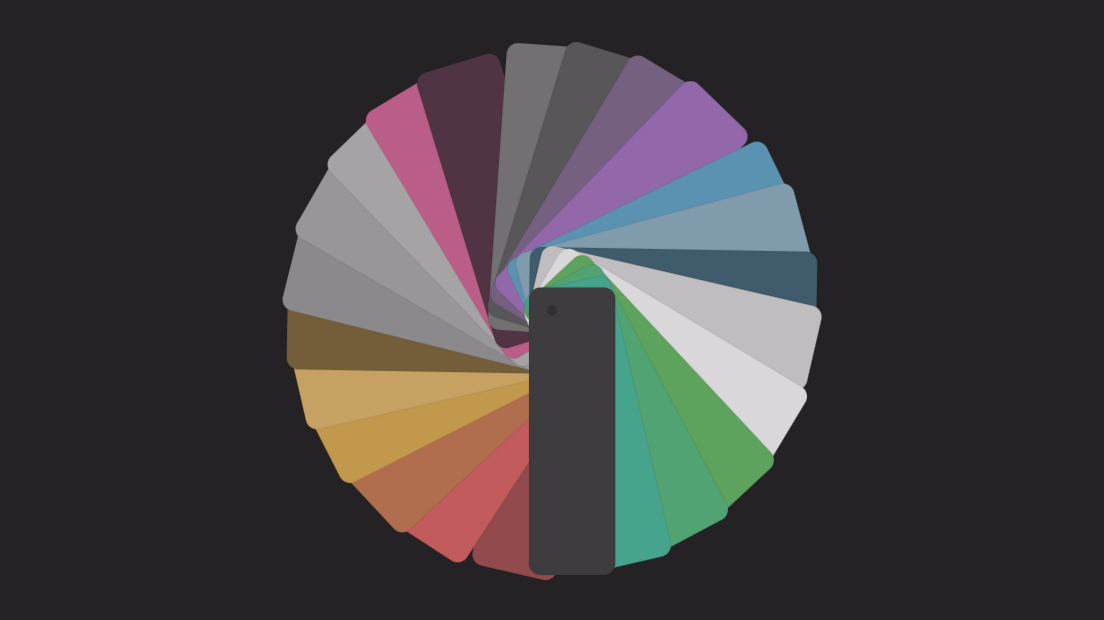 |
 |
Original color sets
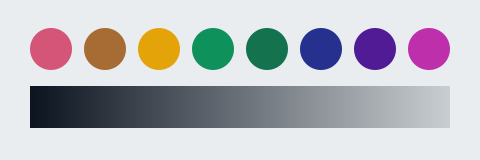
| Name | Dark Preview | Light Preview |
|---|---|---|
default |
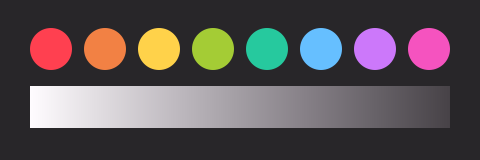 |
 |
finger-paint |
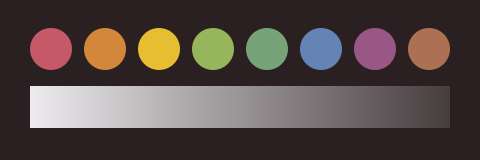 |
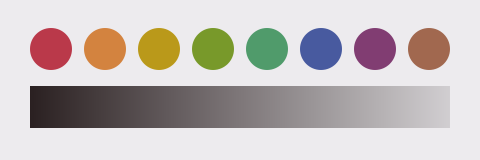 |
green-as-a-whistle |
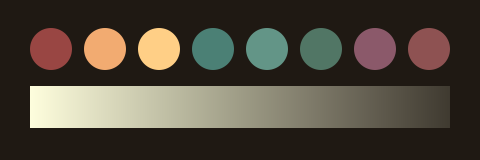 |
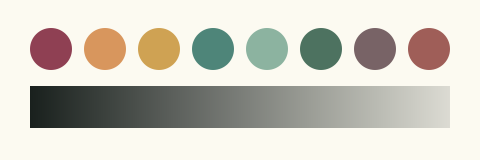 |
monkey |
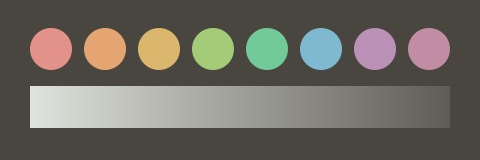 |
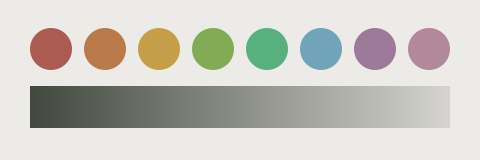 |
night-sky |
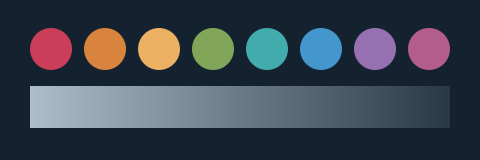 |
(dark only) |
polar-ice |
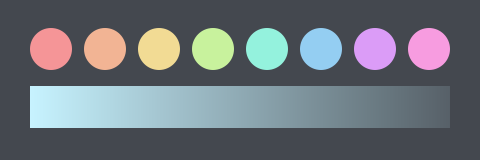 |
 |
right-in-the-teals |
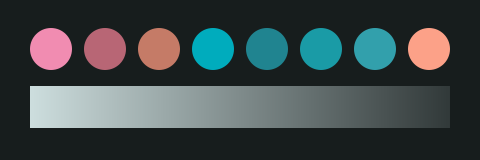 |
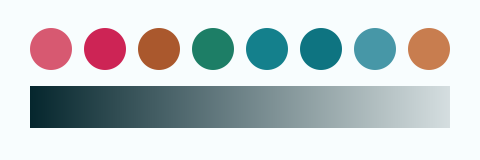 |
shoulder-pads |
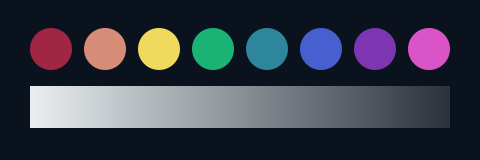 |
 |
Ports from third-party themes
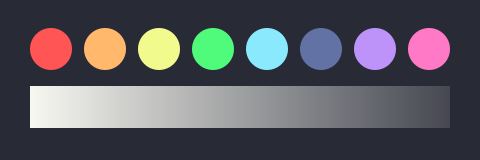
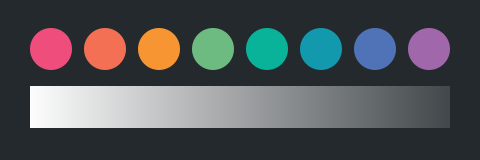
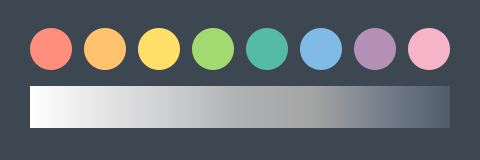
| Name | Dark Preview | Light Preview |
|---|---|---|
dracula |
 |
(dark only) |
github-universe |
 |
(dark only) |
lucid |
 |
 |
mojave |
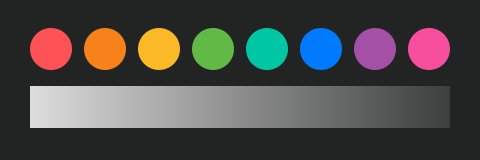 |
 |
nova |
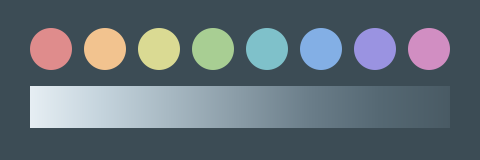 |
(dark only) |
one |
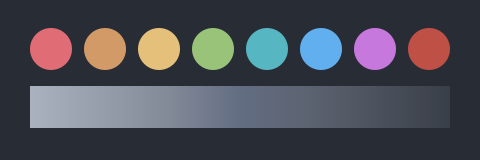 |
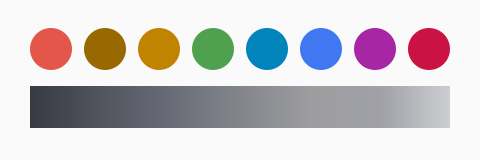 |
rivet |
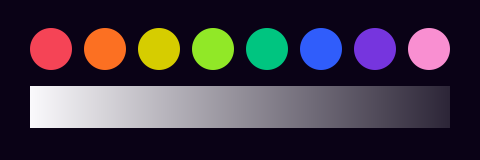 |
 |
seti |
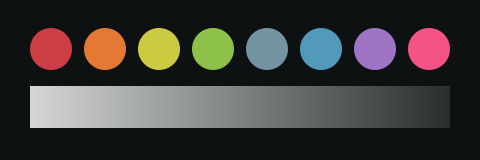 |
(dark only) |
solarized |
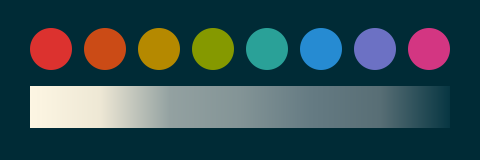 |
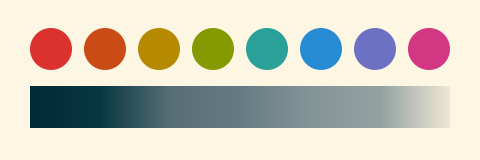 |
Themer templates
Terminals
Editors/IDEs
Other apps
alfredbravechromecssfirefox-addonfirefox-colorkde-plasma-colorskeypirinhaprismsketch-palettesslackwoxxresources
Wallpapers
See themer's Web UI for wallpaper previews.
- 3D (web-only)
- 2D (web & CLI)
Prior art
themer is inspired by chriskempson/base16 and similar projects.
Conceptually, themer is very similar to base16, but:
- It is lighter, and simpler to use.
- It is more easily extensible with your own color sets and templates.
- It integrates better with your dotfiles, especially if you keep them under version control.
Contributing
For instructions on how to contribute to themer, see CONTRIBUTING.md and themer's code of conduct.